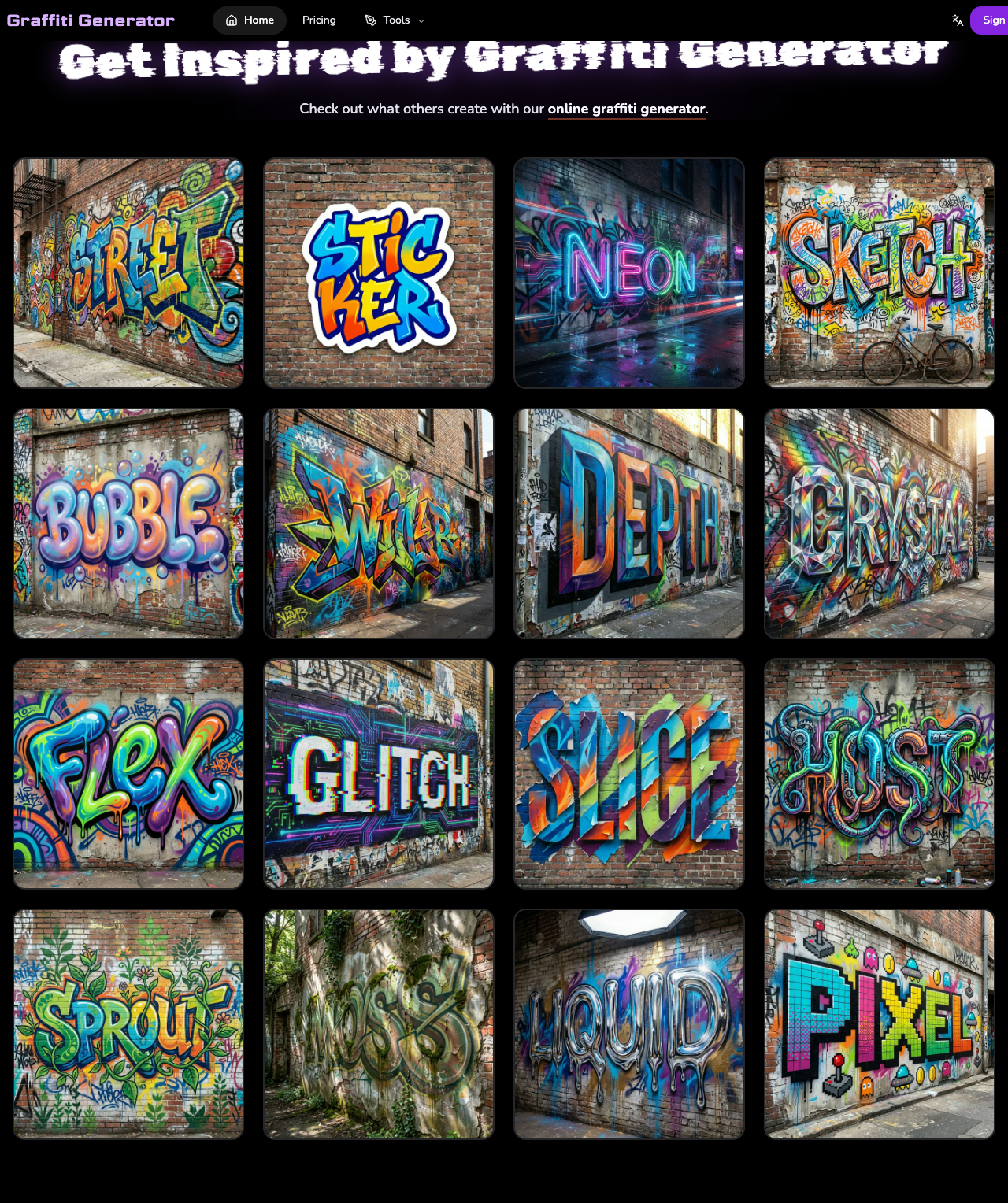
Graffiti has expanded far beyond brick walls and alleyways. With the help of AI-powered art platforms, anyone can now turn a short phrase, a rough concept, or a creative prompt into bold graffiti lettering or mural-style visuals in minutes. A modern ai graffiti generator blends automation with street-art style, making custom graffiti faster to create and much more approachable for beginners and professionals alike.
Quick Answer
The best AI graffiti generator for most users in 2026 is GraffitiGenerator.io if you want one graffiti-first platform that can handle tags, readable lettering, murals, posters, wall scenes, and AI artwork in one workflow. ImagineArt and OpenArt are still useful for broader experimentation, RunComfy fits advanced control, and Graffiti Empire remains useful for classic lettering practice.
Inside that product family, the Graffiti Tag Generator is the fastest fit for short aliases, the Graffiti Font Generator is better for readable logo-style text, and the Online Graffiti Generator is the broader browser-based starting point for names, layouts, and scene directions before you move into a narrower workflow.
How This Comparison Was Evaluated
This roundup was reviewed on March 18, 2026 using the official product pages and public workflows available at publication time. The ranking focused on which tools are easiest to recommend for graffiti-specific user intent, not just which tools can generate a general AI image.
- graffiti names, tags, letters, readable text, and mural-style visuals
- sign-in friction and free-access testing paths
- prompt control, presets, reference support, and graffiti-specific styling
- fit for creators who want usable outputs across social graphics, posters, wall scenes, and experimental visuals
At-a-Glance Comparison Table
| Tool | Best for | Why it stands out | Main limitation |
|---|---|---|---|
| GraffitiGenerator.io | Graffiti-specific text, tags, letters, and AI artwork | Graffiti-first workflow with presets and dedicated use cases | Image generation requires sign-in |
| ImagineArt | Expressive AI street-style visuals | Bright, textured outputs and prompt-driven visual variety | Stronger output usually requires paid access |
| Vondy | Tags, murals, and prompt-guided graffiti variations | Sketch-to-graffiti and text-control workflow | Main features require registration |
| Graffiti Empire | Classic graffiti lettering and templates | Traditional graffiti styling with tutorial-friendly flow | Fewer advanced export and modern AI workflow options |
| RunComfy | Advanced control over graffiti image generation | Multi-model flexibility and detailed settings | Harder for beginners to use |
| OpenArt | Remixing and exploring multiple graffiti styles | Community library and multiple AI engines | Final quality varies with prompts and model choice |
What Is an AI Graffiti Generator?
An AI graffiti generator is a digital creation tool that applies machine learning to turn text, prompts, references, or visual ideas into graffiti-inspired lettering, murals, posters, wall art, and stylized scenes automatically.
Direct Definition
An ai graffiti generator allows users to create striking street-style visuals without needing illustration skills. After entering text or describing an idea, the AI can quickly produce graffiti-themed designs with bold shapes, vivid colors, lettering structure, mural-like compositions, and urban character. These tools are useful for making posters, cover art, social graphics, wall mockups, and broader graffiti visuals in a very short time.
Which AI Graffiti Generators Are Best in 2026?
GraffitiGenerator.io is a strong ai graffiti generator online for creating graffiti-style artwork directly in the browser. It is built for everything from tags and readable lettering to murals, poster-style compositions, and graffiti-focused AI scenes, with preset styles and flexible controls for fast urban-style creation.
GraffitiGenerator.io
GraffitiGenerator.io is a dedicated graffiti creation platform designed for users who want to move between graffiti names, words, tags, logos, wall-style visuals, and prompt-driven artwork without relying on a general AI art tool. It combines an easy browser-based workflow with graffiti-focused presets, color controls, reference support, and flexible prompt options.
Features:
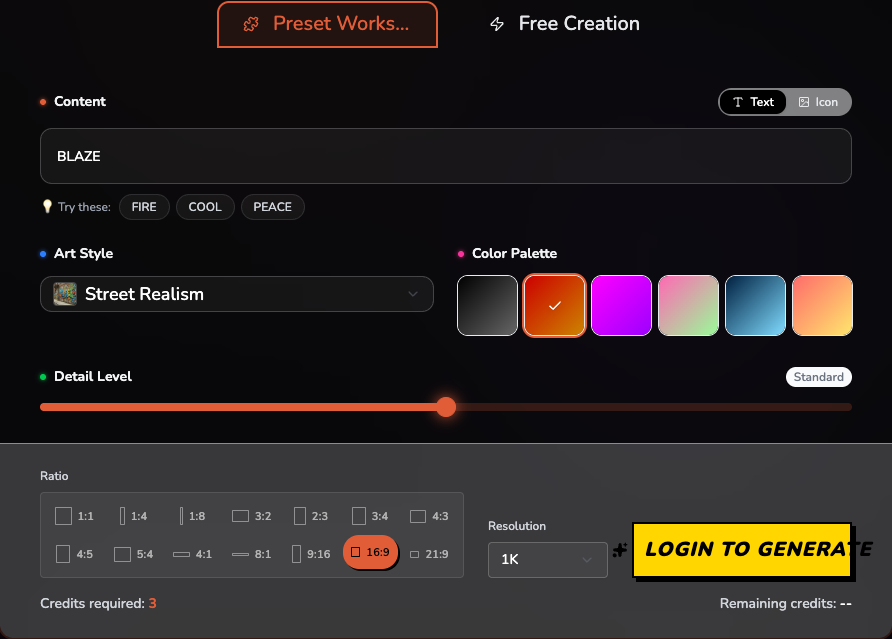
- Offers both Preset Workshop and Free Creation modes for fast results or more detailed prompt control.
- Includes graffiti-focused settings such as art style, color palette, detail level, aspect ratio, and resolution.
- Provides a wide range of graffiti looks, from street realism to more stylized digital lettering effects.
- Gives new users a one-time 6-credit signup bonus, making it easy to test up to two standard generations.
Pros
- Built specifically for graffiti creation across names, tags, readable lettering, murals, and AI visuals instead of general AI image generation.
- Easy for beginners to use, while still providing enough control for more advanced users.
- Fast web-based workflow with presets, inspiration, and export-ready settings in one place.
Cons
- Users need to sign in before they can generate images.
ImagineArt
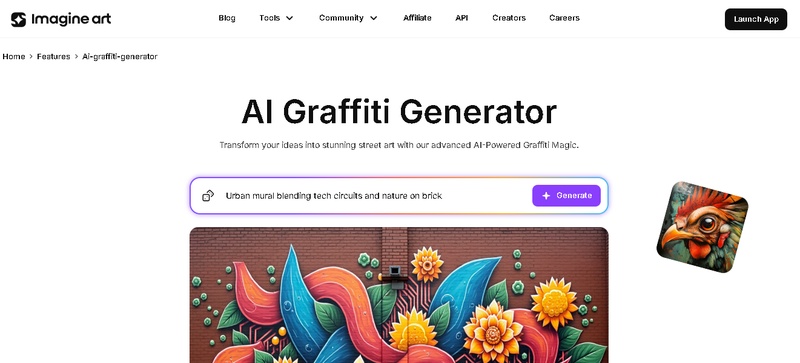
ImagineArt is an ai graffiti text generator aimed at users who want expressive digital art with a strong graffiti feel. It takes text prompts and turns them into colorful street-style graphics using advanced AI models. With detailed paint effects, lively textures, and varied visual styles, it works well for branding, posters, and personal art projects.
Features:
- Quickly turns text prompts into graffiti-inspired images.
- Allows users to customize results with different graffiti fonts, wall textures, and color schemes.
- Provides AI filters that improve brightness, color intensity, and overall visual authenticity.
Pros
- The interface is beginner-friendly and makes graffiti creation easy to start.
- AI generation delivers bright, realistic, and detailed graffiti textures.
- A variety of templates and settings helps users produce many visual variations quickly.
Cons
- The free version comes with lower resolution and limited downloads, so stronger output generally requires a paid plan.
Vondy
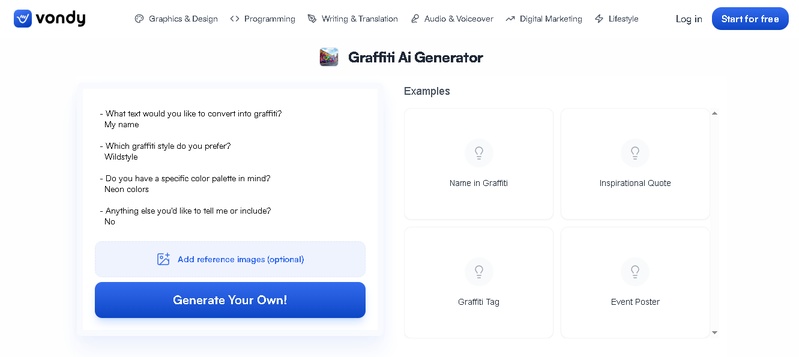
Vondy is an ai graffiti tag generator built for creating digital tags, murals, and graffiti-style lettering. Using advanced diffusion models, it turns simple prompts or uploaded sketches into colorful street-art visuals. The platform also lets users explore different layers, type styles, and graffiti effects during the creation process.
Features:
- AI style filters can detect shapes automatically and convert sketches or photos into graffiti with convincing spray textures.
- Reproduces realistic wall surfaces and lighting effects.
- Text-driven controls make it possible to adjust color choices, lettering forms, and shadow depth with precision.
Pros
- New users can generate graffiti artwork quickly without needing technical skills.
- A wide selection of graffiti effects supports creative freedom.
- Strong color consistency helps designs look vivid across different devices.
Cons
- Registration is required before any of the main features can be used.
Graffiti Empire
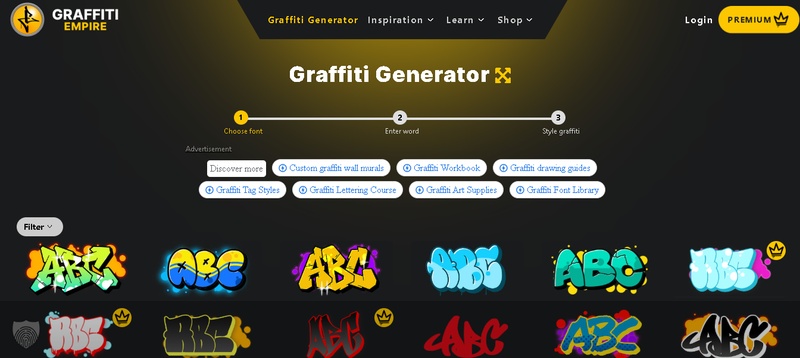
Graffiti Empire is a dedicated ai graffiti art generator platform created specifically for graffiti design. It combines AI assistance with classic street-art styling, focusing on letterforms, gradient color work, and paint-drip details that resemble real wall graffiti. Users can use it to make custom tags, murals, and digital graffiti pieces.
Features:
- A built-in graffiti font generator helps users make custom lettering with advanced color adjustments and 3D depth styling.
- Includes gradient shading, paint splatter, and stroke variation to mimic the look of real spray-paint artwork.
- Provides pre-made templates for bubble letters, wildstyle designs, and graffiti tags when users need quick inspiration.
Pros
- The generated visuals look highly realistic and closely resemble actual spray-can graffiti.
- Simple tools and ready-made templates make it accessible to users without design experience.
- Mobile-friendly support makes it easy to create graffiti wherever you are.
Cons
- Advanced export formats such as vector files and PSD are not supported.
Runcomfy
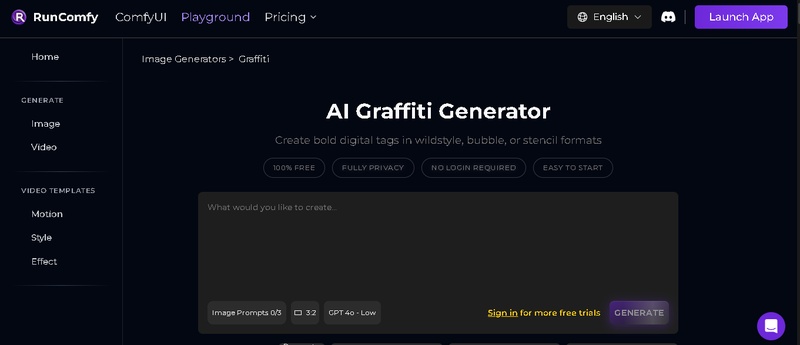
RunComfy is an AI art studio that includes graffiti generation among its creative model options. Its text-to-image workflow and adjustable diffusion parameters make it especially useful for artists who want detailed control over effects, texture realism, and image depth.
Features:
- Lets users create detailed graffiti workflows with adjustable controls for color, brightness, and image detail.
- Supports multiple AI models, which helps broaden creative options and output styles.
- Users can customize the final paint effects and art style by uploading or creating their own graffiti brushes.
Pros
- Offers a high level of flexibility for experienced users who want technical control and strong visual variety.
- Support for multiple AI models makes experimentation easier and increases the range of possible results.
- The platform can generate polished graffiti visuals suited to professional-level projects.
Cons
- The more advanced options may be difficult for beginners to navigate comfortably.
OpenArt
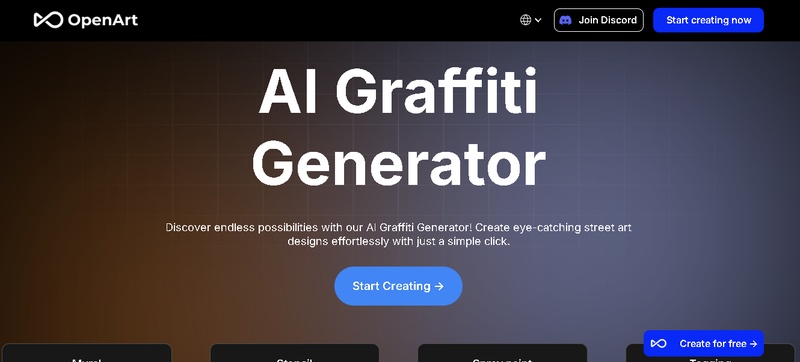
OpenArt is an ai graffiti font generator platform that supports text-to-image generation, including graffiti-style visuals. It gives users access to a large public library of ready-made graffiti artwork for inspiration and remixing, while its AI system supports experimentation with lettering, spray textures, and mural-style concepts.
Features:
- Users can write or edit prompts to create original graffiti compositions, color combinations, and effects quickly.
- Thousands of community-created graffiti works are available to browse and remix for inspiration.
- Multiple AI engines are available for generating different graffiti styles.
Pros
- The platform supports sharing, commenting, and remixing, which encourages collaborative creativity.
- It offers many graffiti templates across classic, abstract, and modern visual styles.
- It can generate crisp and colorful graffiti artwork within seconds.
Cons
- Final image quality can vary based on the prompt wording and the AI model being used.
Why Is GraffitiGenerator.io Worth Trying?
If you want a tool that is built specifically for graffiti creation instead of being a general AI art app, GraffitiGenerator.io is a strong option. The platform does not stop at text and lettering. It covers quick name and tag workflows, readable wordmarks, mural-style concepts, poster visuals, and more advanced prompt-driven graffiti imagery inside one product family.
Why is GraffitiGenerator.io strong across graffiti creation use cases?
GraffitiGenerator.io stands out because it is made for graffiti creation from the start. Instead of forcing users to adapt a general image generator, it provides a graffiti-first interface with two creation modes, built-in style presets, color palettes, detail controls, aspect ratios, resolution settings, and a broader workflow surface. It is a practical choice for users who want to create graffiti names, bold word art, wall-style visuals, mural concepts, poster-ready images, or social-media-ready artwork in just a few clicks.
Features:
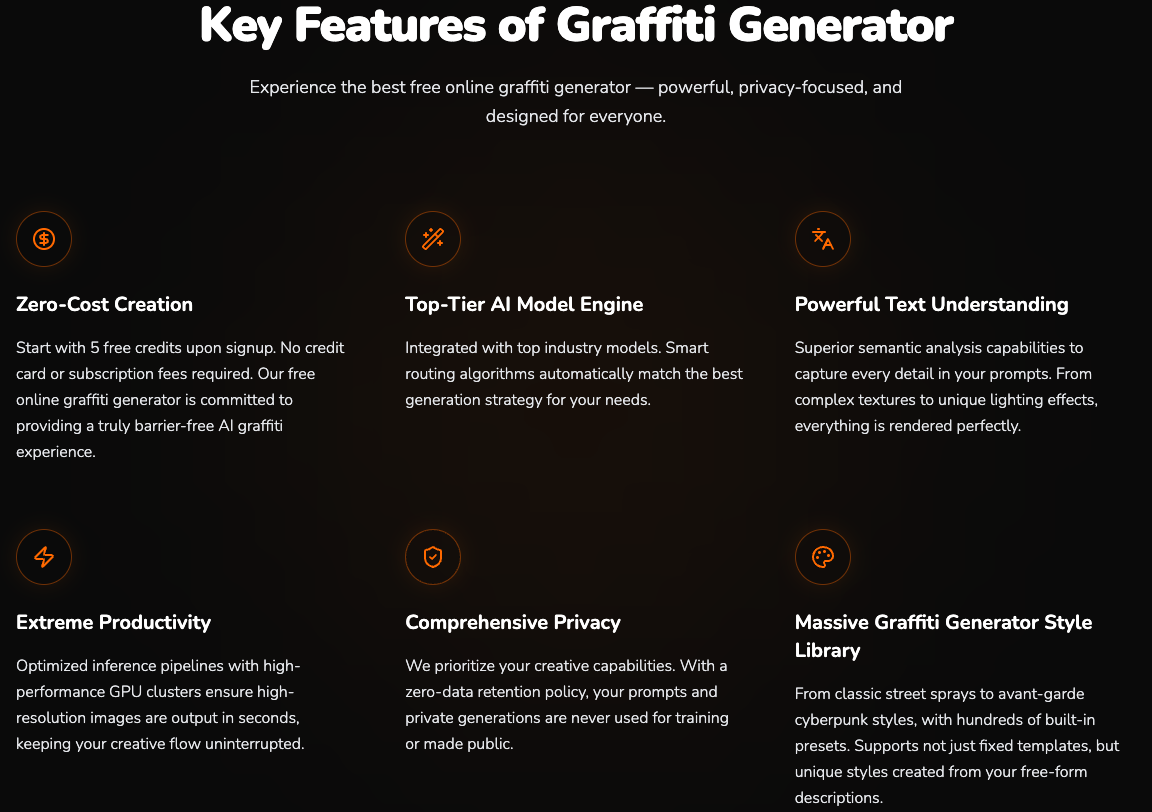
- Offers both Preset Workshop and Free Creation modes, so beginners and advanced users can work in the same tool.
- Includes graffiti-focused presets such as Street Realism, along with multiple color palettes and detail controls.
- Supports flexible aspect ratios and resolution options for square posts, banners, vertical videos, and more.
- Gives new users a one-time 6-credit signup bonus, making it easy to test up to two standard generations before upgrading.
- Highlights privacy protection and commercial-friendly usage for generated artwork.
Pros
- Built specifically for graffiti creation across text, tags, letters, murals, and scene-based visuals instead of generic AI art.
- Very easy to use for beginners, while still offering prompt control for more advanced creators.
- Fast web-based workflow with inspiration, style presets, and export-ready settings in one place.
Cons
- You need to sign in before generating images.
- The final generation result and download workflow are only visible after logging into an account.
How do you use GraffitiGenerator.io?
Step 1: Visit GraffitiGenerator.io and create an account or sign in. New users can claim free credits, which is enough to test the tool and generate sample graffiti artwork.
Step 2: Choose your preferred mode. Use Preset Workshop if you want quick results with ready-made graffiti styles, or choose Free Creation if you want to write a more detailed custom prompt.
Step 3: Enter your graffiti word, name, concept, or scene direction. For cleaner lettering results, short words usually work best. If you use Free Creation mode, describe the mood, colors, wall texture, lighting, composition, and lettering style you want.
Step 4: Adjust the design settings. Pick an art style, color palette, detail level, aspect ratio, and resolution so the final image matches your intended use, such as social posts, posters, headers, or wallpapers.
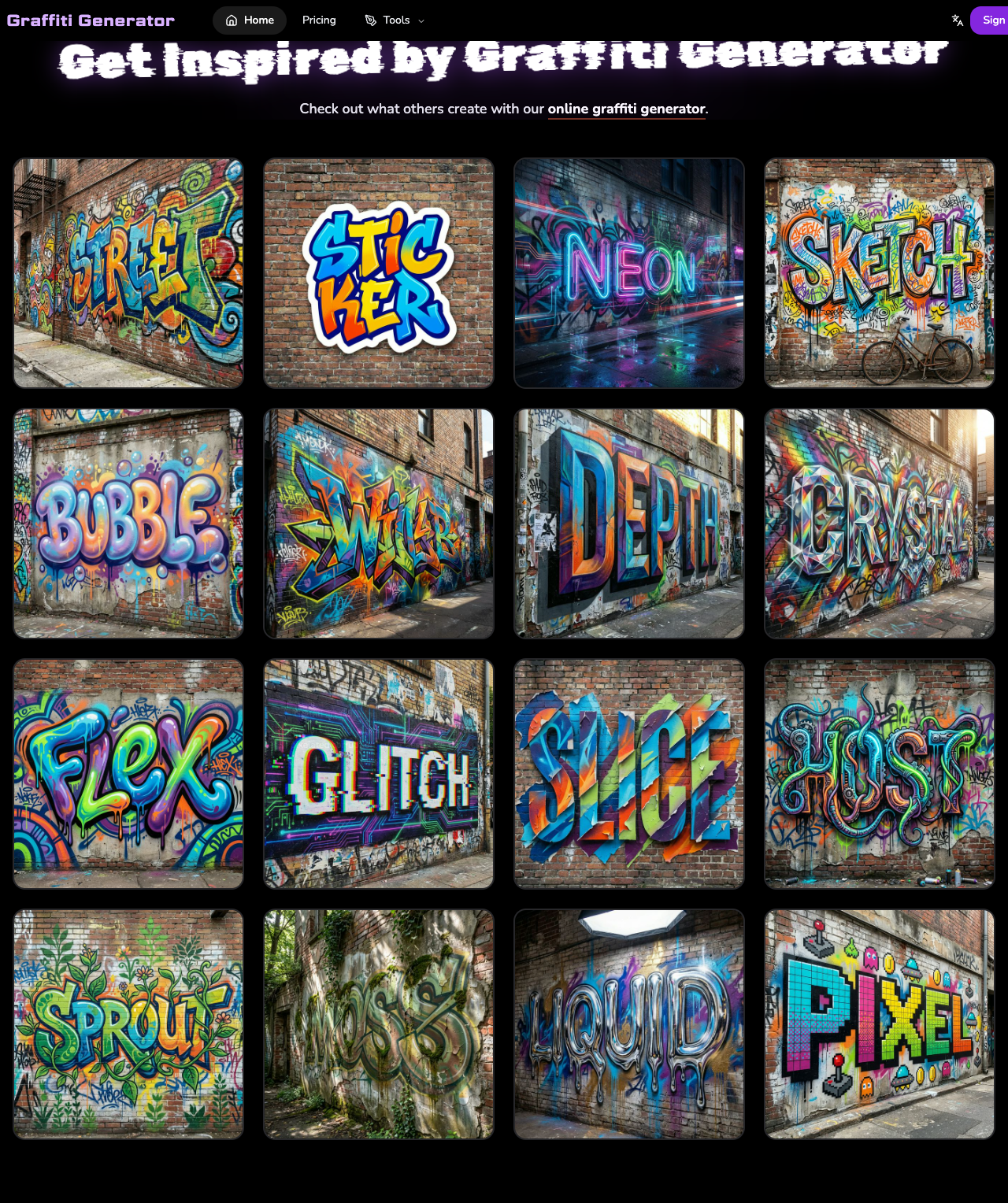
Step 5: Click Generate after signing in, then review the result and download the image you like. If you want more ideas before generating, you can also browse the built-in inspiration gallery on the homepage.
Source Pages Reviewed
This roundup was written using the official product pages and publicly accessible workflows available at publication time. Named sources reviewed for this article included:
- GraffitiGenerator.io
- ImagineArt
- Vondy
- Graffiti Empire
- RunComfy
- OpenArt